02freshworks2024
Redesigning the Quote Builder at Freshworks
Making quote creation simpler for 1,900+ enterprise users.
- role
- lead product designer
- team
- product management, staff product design
- product
- freshsales crm
- users
- 1,900+ enterprise users
Introduction
Freshsales is a CRM that helps sales teams manage leads, track deals, and close business, with tools like email tracking, deal pipelines, and AI-powered insights.
The Quote Builder is a central part of that workflow, allowing sales teams to create and share customer quotes.
However, the experience lacked intuitive navigation and meaningful customization. I redesigned the Quote Builder to make creating professional, branded quotes simpler and more flexible.
My Role
I led product design for this project, collaborating with Product Manager Krutish and Staff Product Designer Gopi throughout the process.
The Problem
The Freshsales quote builder lacks intuitive navigation and personalization, leading to user frustration, low adoption, and missed opportunities for enterprise customers to create branded, compelling quotes.
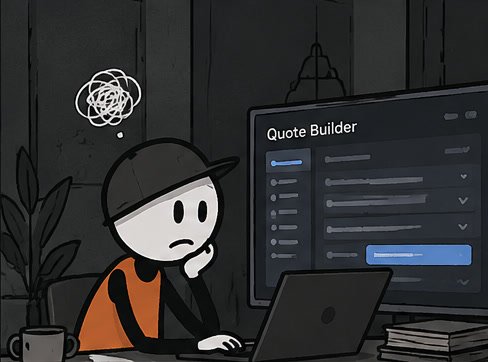
A sales rep's quote, before the redesign
 01
The sales rep opens the Quote Builder, wanting to prepare a quote quickly before a customer call.
 02
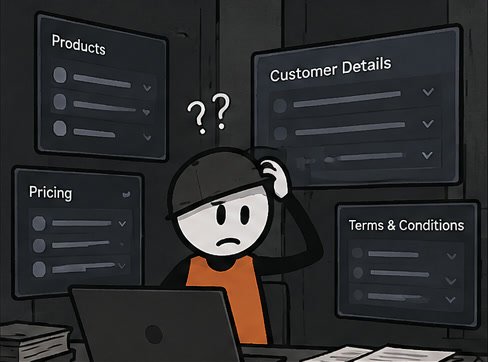
They face a cluttered, confusing interface with unclear navigation and too many fields.
 03
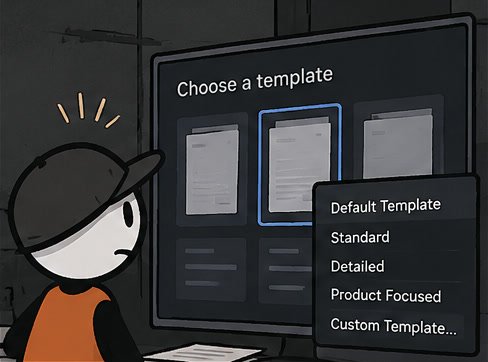
They try to create a quote but struggle to find a starting template, with multiple confusing panels and dropdowns.
 04
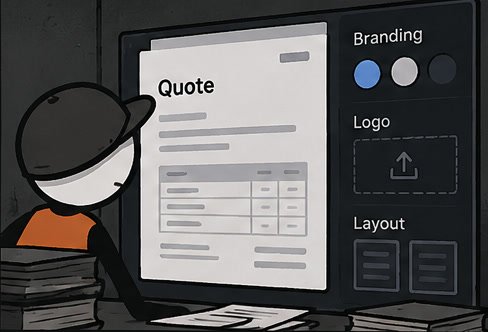
A generated quote appears rigid and generic, with no clear way to match the company's branding or create a polished multi-page document.
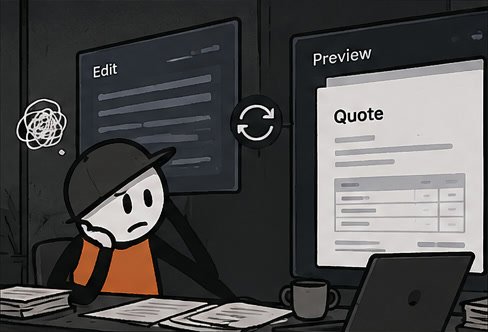 05
They switch between the editor and preview, losing time and confidence.
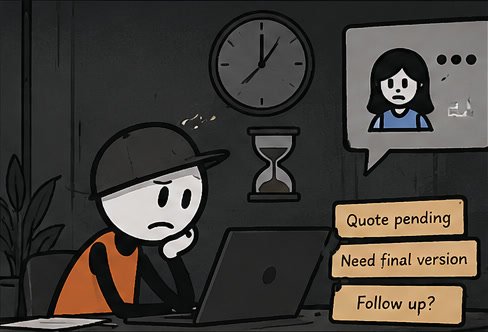 06
A messy quote workflow leads to delayed quote delivery, and an unhappy customer waiting on the call.
Creating a quote shouldn't feel like a complicated task. The existing Quote Builder had two major usability issues:
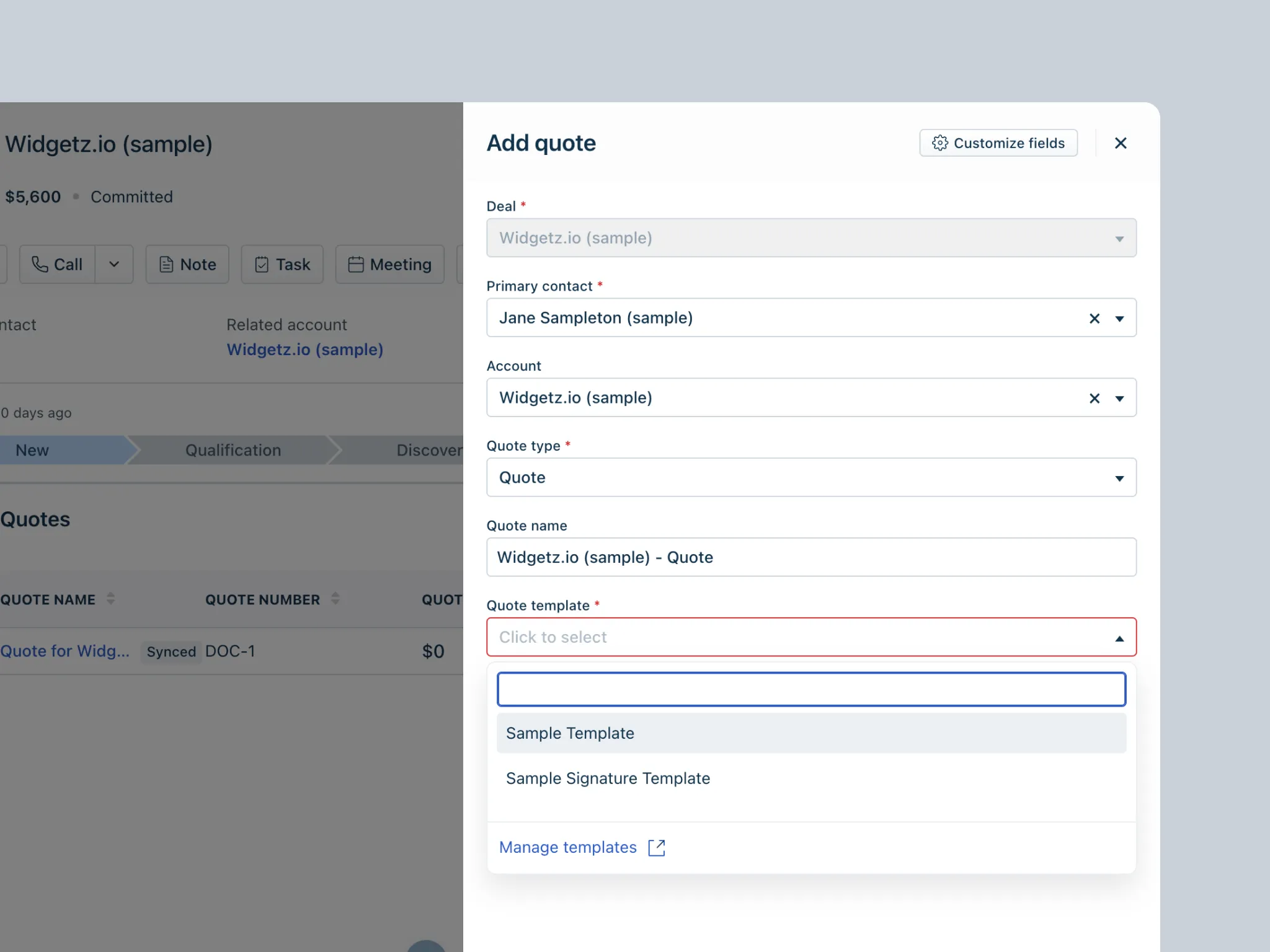
01. Finding your way around was difficult
Users struggled to navigate the interface and understand how to create a quote. This added friction to the workflow and made the feature harder to adopt.
Impact
The unclear interface led to an extremely low adoption rate. Users couldn't make effective use of the feature, which meant disengagement and lower conversion.
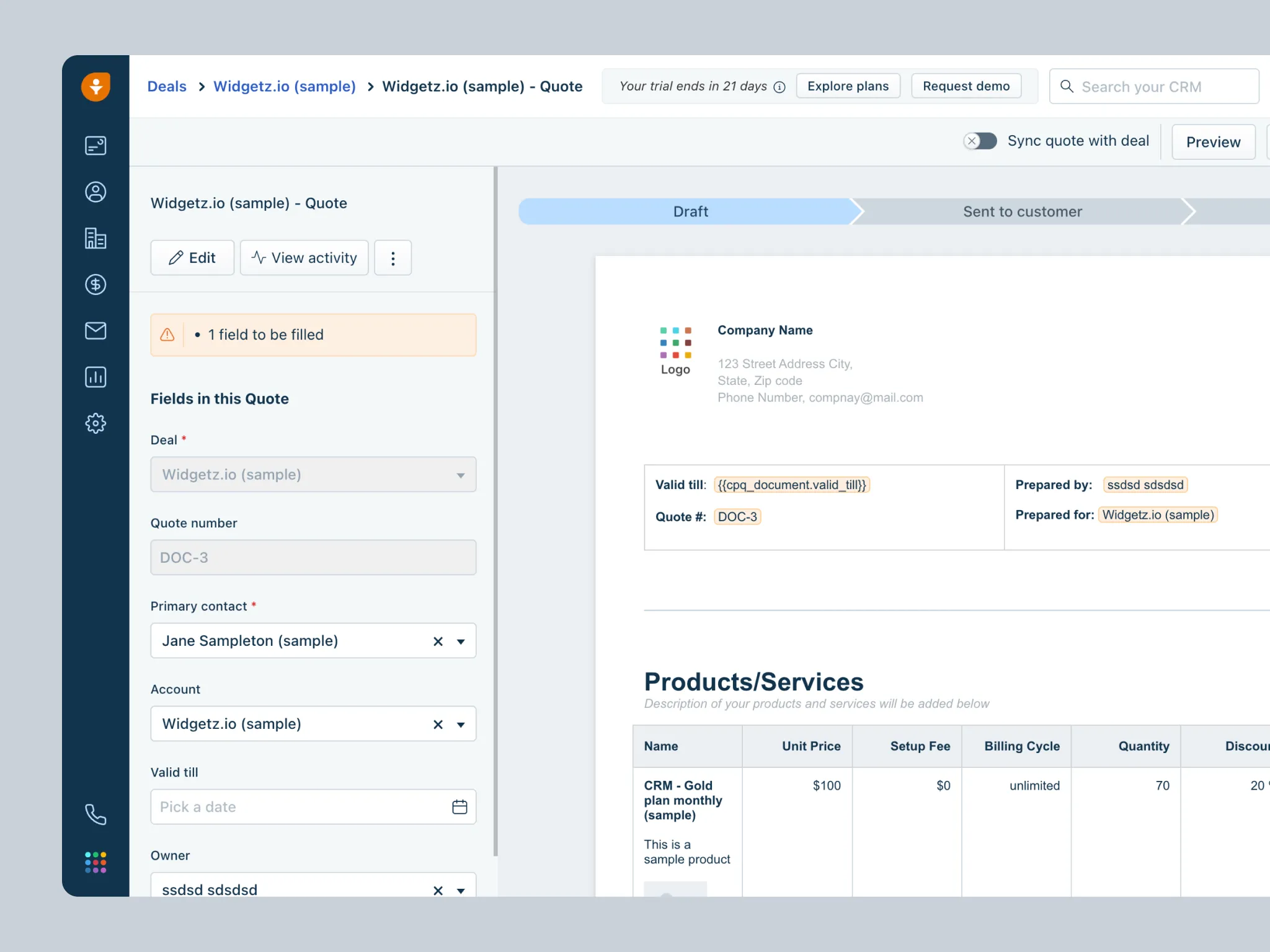
02. Quotes lacked personalization
Generated quotes offered limited control over branding and layout. Businesses couldn't easily create professional, multi-page documents that reflected their identity.
Impact
Without a way to brand their quotes, companies found it hard to adopt the feature: quotes didn't match their identity or meet their branding needs.
What We Wanted to Achieve
For the business
- Adoption and engagement: make the tool intuitive enough that enterprise users actually adopt it, strengthening Freshsales as a CRM for seamless, branded, professional quotes.
- Customer retention: remove the pain points behind drop-offs, so the Quote Builder becomes a vital part of customers' workflow.
- Operational efficiency: build scalable, reusable design components that keep Freshsales features consistent, streamline development, and future-proof the design.
For users
- Simpler quote building: create and share quotes quickly, with fewer steps and no confusion.
- Branded quotes: customize quotes to match the company's identity.
- Professional output: build visually appealing, multi-page quotes without unnecessary complexity.
The Solution
01. A clearer template library
I redesigned the template selection experience to help users find the right starting point quickly.
What changed
- A cleaner, more organized template library: pick a ready-made template or start fresh.
- Ready-made templates that are easier to browse.
- Template previews that show exactly what you're choosing, saving time and avoiding guesswork.
Why it matters
Users can choose a starting point with more confidence instead of navigating an unfamiliar interface. New users in particular find it quick to understand, making it far easier to get started than the old version.
02. Branded, multi-page quotes
The new Quote Builder gives users more control over the structure and appearance of their quotes.
Build quotes your way
Users can drag and drop content blocks directly onto the page, including text, images, tables, columns, and pricing blocks.
Rearrange with an outline
A page outline makes it easier to understand the document's structure and move content into the right position.
Make it your own
Users can customize the quote's theme and layout to better reflect their company's brand.
The result
A more flexible editing experience for creating detailed, professional quotes without being constrained by a rigid template.
- Personalization: quotes reflect the company's branding and look more professional.
- Rich formatting: multi-page support and better layout options make for more detailed, visually appealing quotes than the old system allowed.
- Efficiency: changes happen on the fly, with no time lost in the cumbersome workflows of the old design.
03. A simpler quote creation workflow
I restructured the quote creation experience to make the process easier to follow.
What improved
- Clearer steps: Fields follow a more logical order, helping users understand what to do next.
- Fewer errors: Contextual guidance helps users avoid mistakes and complete the form with confidence.
- Faster completion: A cleaner interface removes unnecessary steps, significantly cutting the time it took in the cluttered old workflow.
The goal was to help users focus on creating their quotes rather than figuring out how the tool works.
What I Would Do Next
I left Freshworks before I could evaluate the redesigned experience with real users. If I had continued, I would have focused on four areas.
- 01
Fix issues early
Even with thorough testing, a project this size lets a few bugs slip through. I'd work closely with engineering and QA to find and fix them quickly after launch.
- 02
Measure adoption
Track feature usage and collect feedback to understand whether the redesign improves the experience.
- 03
Talk to users
Conduct interviews, surveys, and usability tests to identify remaining pain points.
- 04
Keep improving
Monitor adoption, usage patterns, and satisfaction, and use what we learn to prioritize the next round of improvements, so the tool stays useful as needs evolve.
A Personal Note ✌️
This was one of my proudest projects at Freshworks. I'm grateful to the product managers, designers, engineers, QA team, and everyone who helped bring the redesign to life.
Thanks for taking the time to explore my work!